
How to Redo an Amidakuji: Redraw After Results with History
Sometimes you realize after finalizing the results that more people want in, someone dropped out, or a setting was wrong. If you overwrite the results and draw again, the old results disappear, and people may suspect you redrew to get rid of a result you didn't like. Redraw on the Standard and Pro paid plans lets you redo a finalized draw while keeping the earlier results in a history.
Why redos raise suspicion
- Once the old results are gone, nobody can check who had won
- People may think the organizer redrew because they disliked the result
- Nobody knows how many times the draw was redone
What matters most in a draw is that everyone believes nobody manipulated the result.
How redraw works
Anyone can see past results
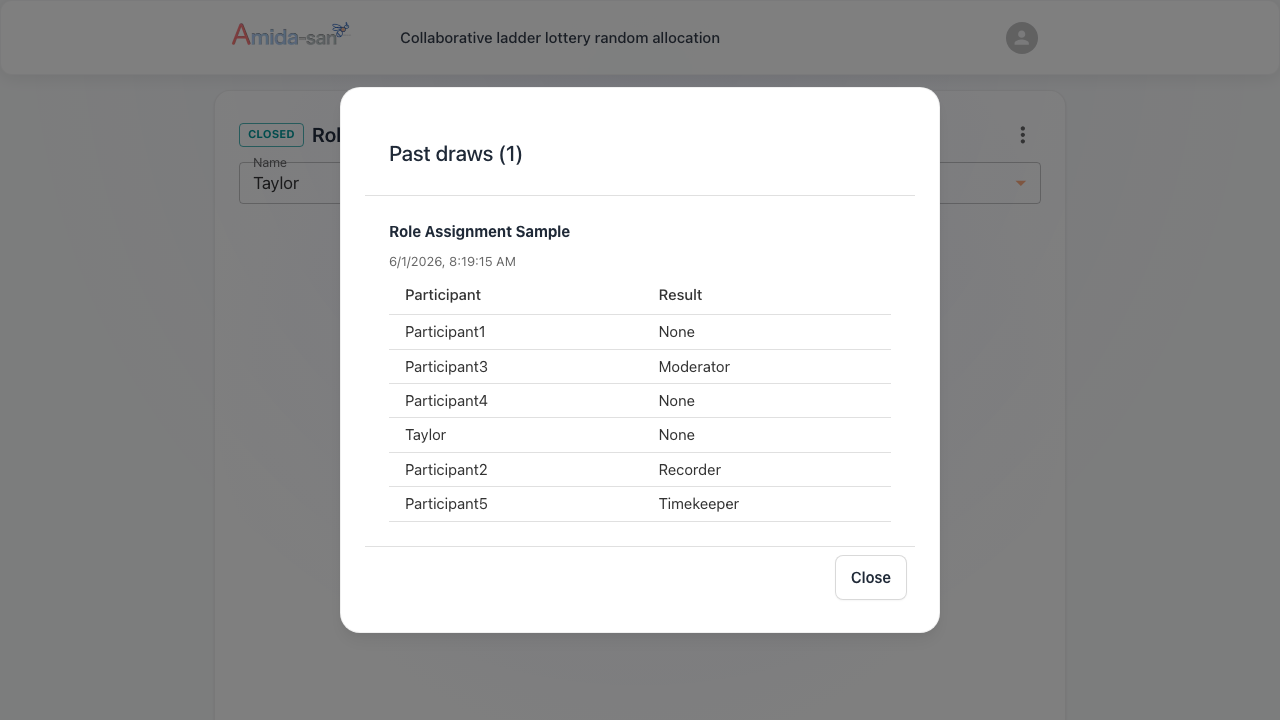
When you redraw, the earlier results are kept as "past draws". Participants and viewers can see them, not just the organizer. The organizer can't delete or edit the history. Everyone can see how many times the draw was redone and who won before, so you can't keep redrawing until you get the result you want.
Add or remove participants
A redraw returns the event to the pre-finalized state, and everyone who joined stays in. From there, you can let latecomers join or remove people who dropped out, then draw again.
The organizer can't pick the result
On Amida-san, every participant draws bridges to build the amidakuji. The same holds for a redraw, so the organizer can't decide the result alone.
How to redraw
- Subscribe to Standard or Pro, sign in, and create the event
- After the results are finalized, choose "Redraw" from the actions menu on the result screen
- Press "Redraw" in the confirmation dialog. The event returns to the pre-finalized state
- Add or remove participants if needed
- Start the draw again and finalize the results
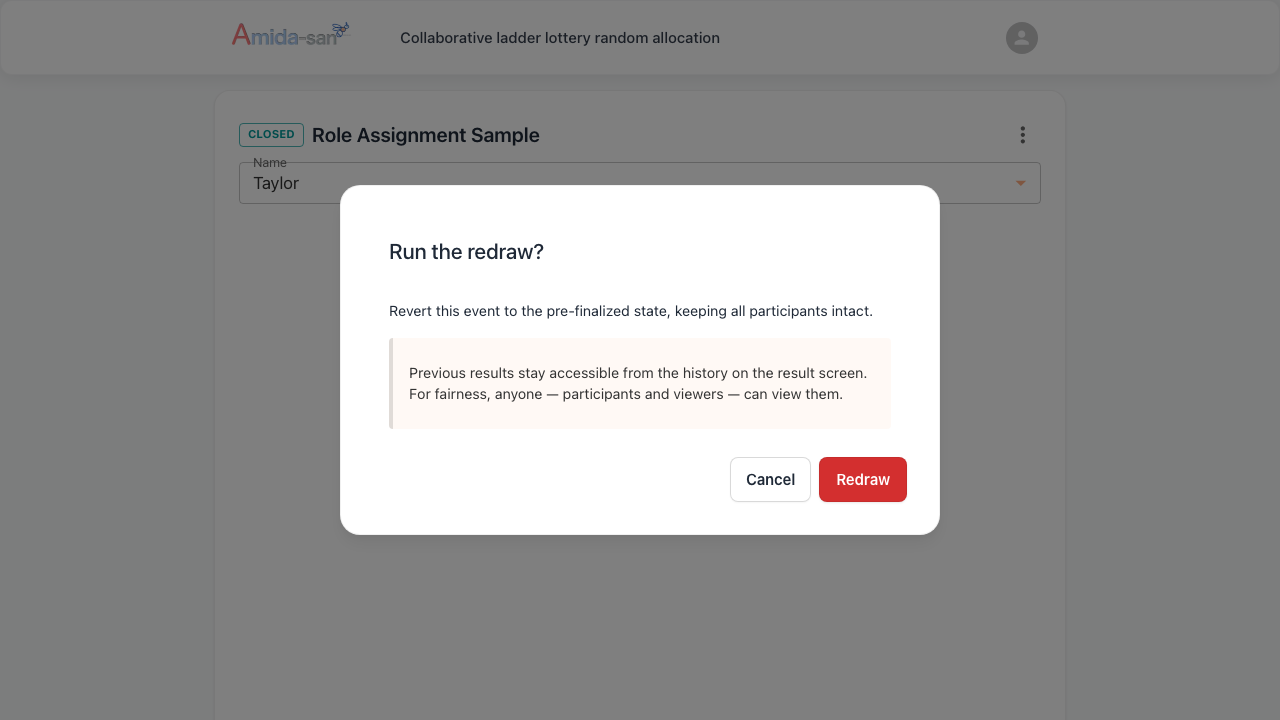
You can see earlier results from "View past draw results" in the actions menu.
When to use it
- More people joined after duties were assigned. The history lets you explain why the result changed (fair role assignment)
- An absence came to light after a seat change or class role draw. You can show students that the teacher didn't manipulate the result
- Someone asked for "one more time" in a prize draw. Redoing it with a visible history makes it easier for everyone to accept
FAQ
Q1 How many times can I redraw?
Up to 20 times per event.
Q2 Can I redraw on the Free plan?
No. It's a Standard and Pro feature.
Q3 How much does it cost?
Standard is $6.99/month ($69/year) and Pro is $19.99/month ($199/year).
Summary
With redraw on Standard and Pro, you can redo a finalized draw while the earlier results stay in a history anyone can view. When you redo a draw, tell participants the reason before starting it again.
For the full list of paid features, see every paid plan feature.
Try Amida-san Now!
Experience fair and transparent drawing with our simple and easy-to-use online ladder lottery tool.
 Try it Now