
Free Online Ghost Leg Lottery - No Sign-Up, Join From Phones
There are plenty of online lottery tools, but few meet all three of these: participants can tell the organizer did not pick the result, everyone can take part from their own device, and no sign-up is needed. This article compares the main types of tools and shows how to use Amida-san.
Four Types of Online Lottery Tools
| Feature | Roulette | Random number | Ghost leg (screen share) | Ghost leg (everyone joins) |
|---|---|---|---|---|
| Can see how the result is decided | No | No | Yes | Yes |
| Participants take part | No | No | No | Yes |
| Organizer alone can sway the result | Yes | Yes | Yes | No |
Roulette and random number tools are quick, but participants cannot see the process that decides the result. Since nobody can check that the organizer did not interfere, doubts can remain when prizes or roles are at stake (see ghost leg vs. random generators).
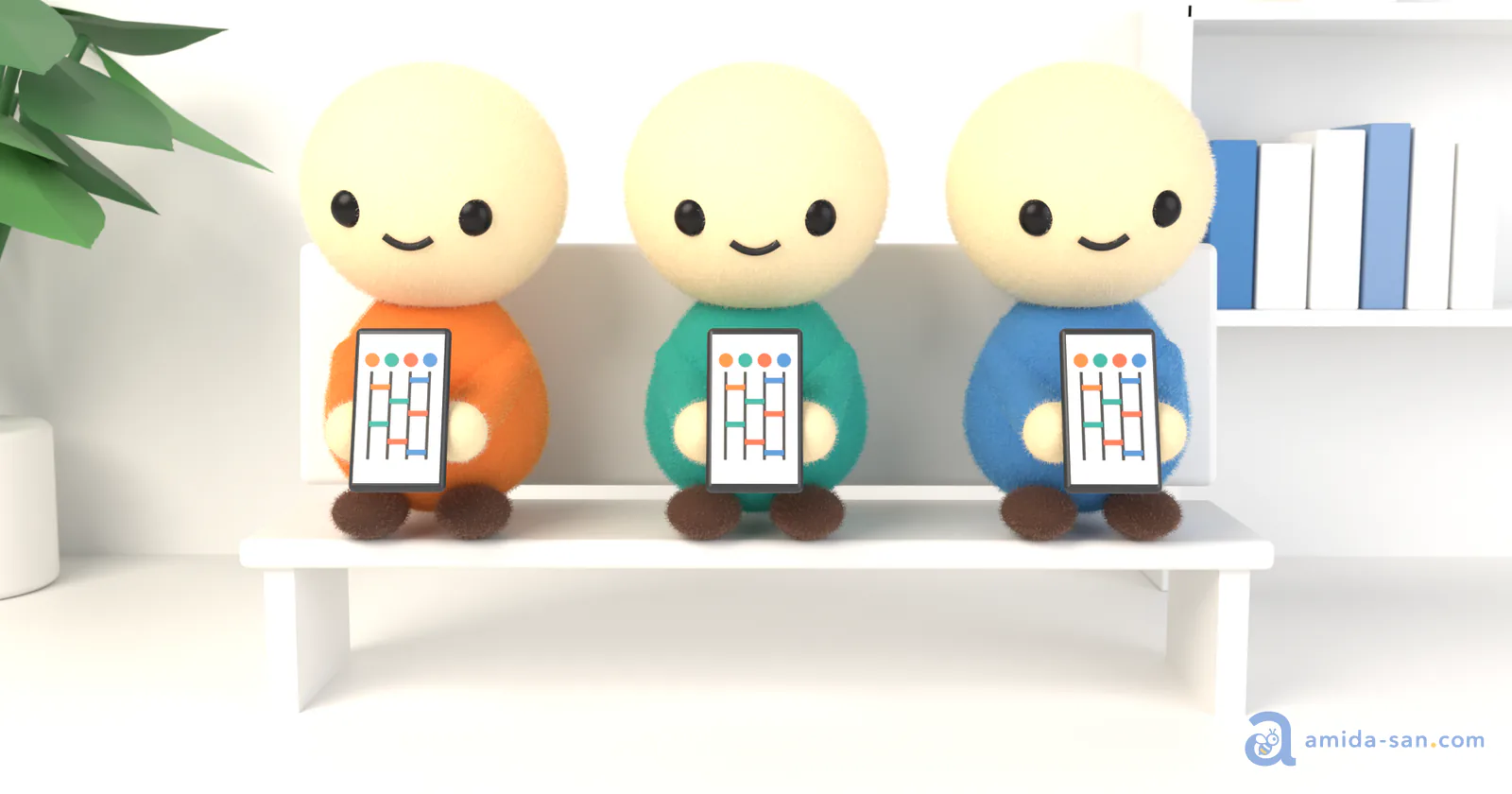
Even with a ghost leg tool, if the organizer builds it on one screen and only shares the screen, the organizer draws every rung. When participants draw rungs from their own devices, the "everyone builds it together" mechanism of paper ghost leg carries over online. Amida-san is this type.
Features of Amida-san
- Runs in the browser with no account or app install
- Participants open the URL, enter a name, and draw their own rungs
- Nobody, including the organizer, can set the result in advance
- Works on phones and PCs, with up to 299 participants per event
It works for team splits during remote meetings or deciding roles in a group chat, even when everyone is in a different place.
How to Use
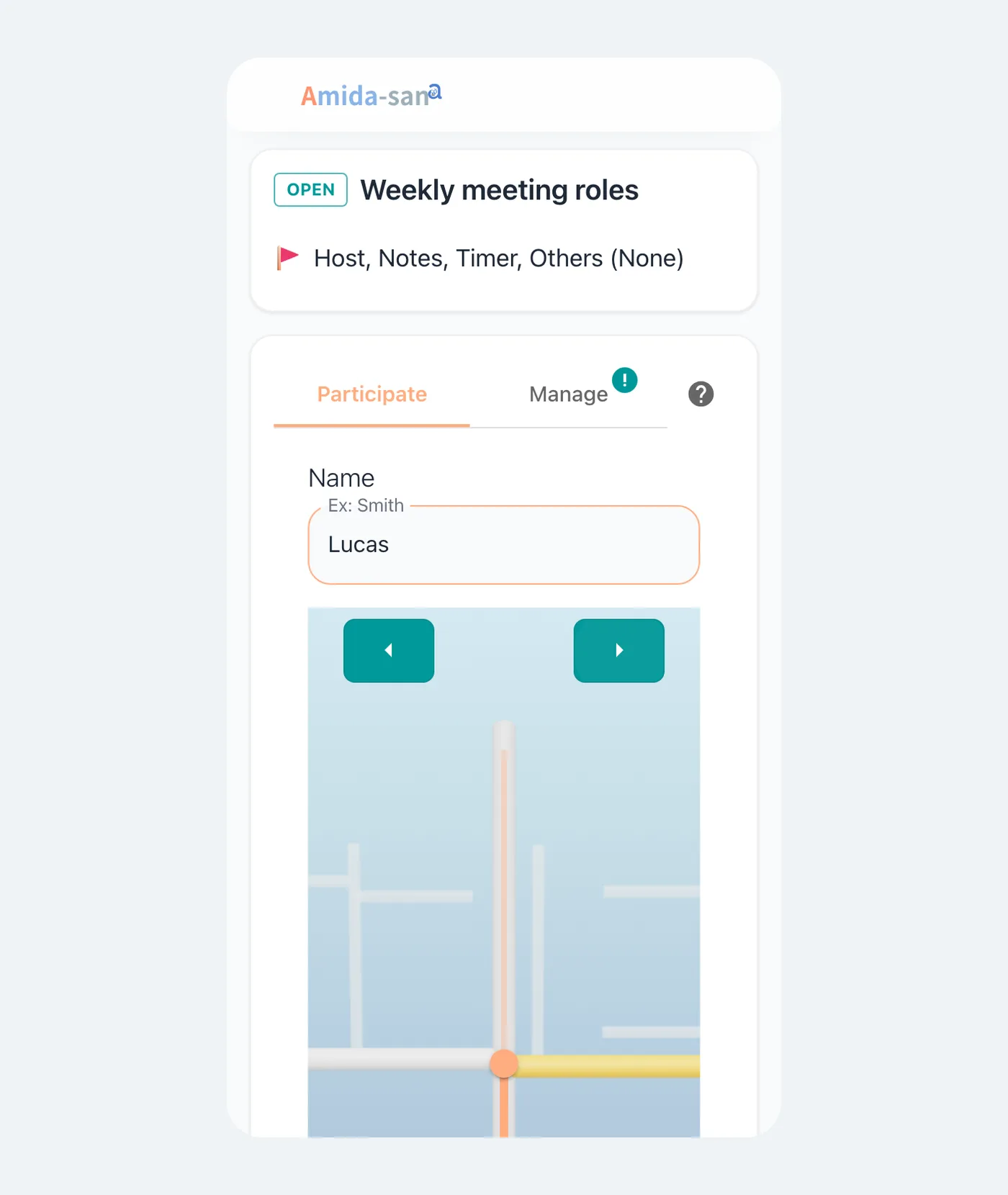
- On Amida-san, enter an event name and the outcomes (prizes, roles, etc.)
- Share the URL via a messaging app, Slack, or email
- Participants open the URL, enter their name, and draw rungs
- When everyone has joined, the organizer starts the draw and everyone watches all the balls trace the lines together
For a walkthrough with screenshots, see How to Use Amida-san.
What the Free Plan Covers
Creating a lottery, sharing the URL, joining, and replaying results are free. Events created for free stay available for 180 days.
If you want to remove ads, download results as CSV or Excel, or redraw after the result is confirmed, you can choose a paid plan or a one-time option. Amida3D, a three-dimensional presentation, is a one-time purchase of $3.99 per event. It changes only the presentation; the draw works the same as in the free version. See pricing for details.
Use Cases
- Company parties: picking prize winners or the order of performances
- Schools: group formation, presentation order, duty assignments
A lottery can only be opened by people who have its URL. For how data is handled, see security and privacy.
Summary
On Amida-san, participants draw rungs from their own devices, so nobody can decide the result in advance, and everything from creating a lottery to replaying the results is free. Next time you need to pick prize winners or assign roles, share the URL and have everyone draw their rungs.
Try Amida-san Now!
Experience fair and transparent drawing with our simple and easy-to-use online ladder lottery tool.
 Try it Now