
How to Split Teams Fairly in Discord: Bots vs. Amidakuji
In Discord gaming communities, every custom match and tournament starts with splitting people into teams. "All the strong players ended up on one side," "It's always the same lineups," "I don't trust how the host assigned us" -- team splitting is a common spark for arguments.
This article compares four methods for splitting teams in Discord and walks through a fair team formation process everyone can accept. If your goal is prize drawings or deciding order, see How to Run Drawings and Giveaways in Discord.
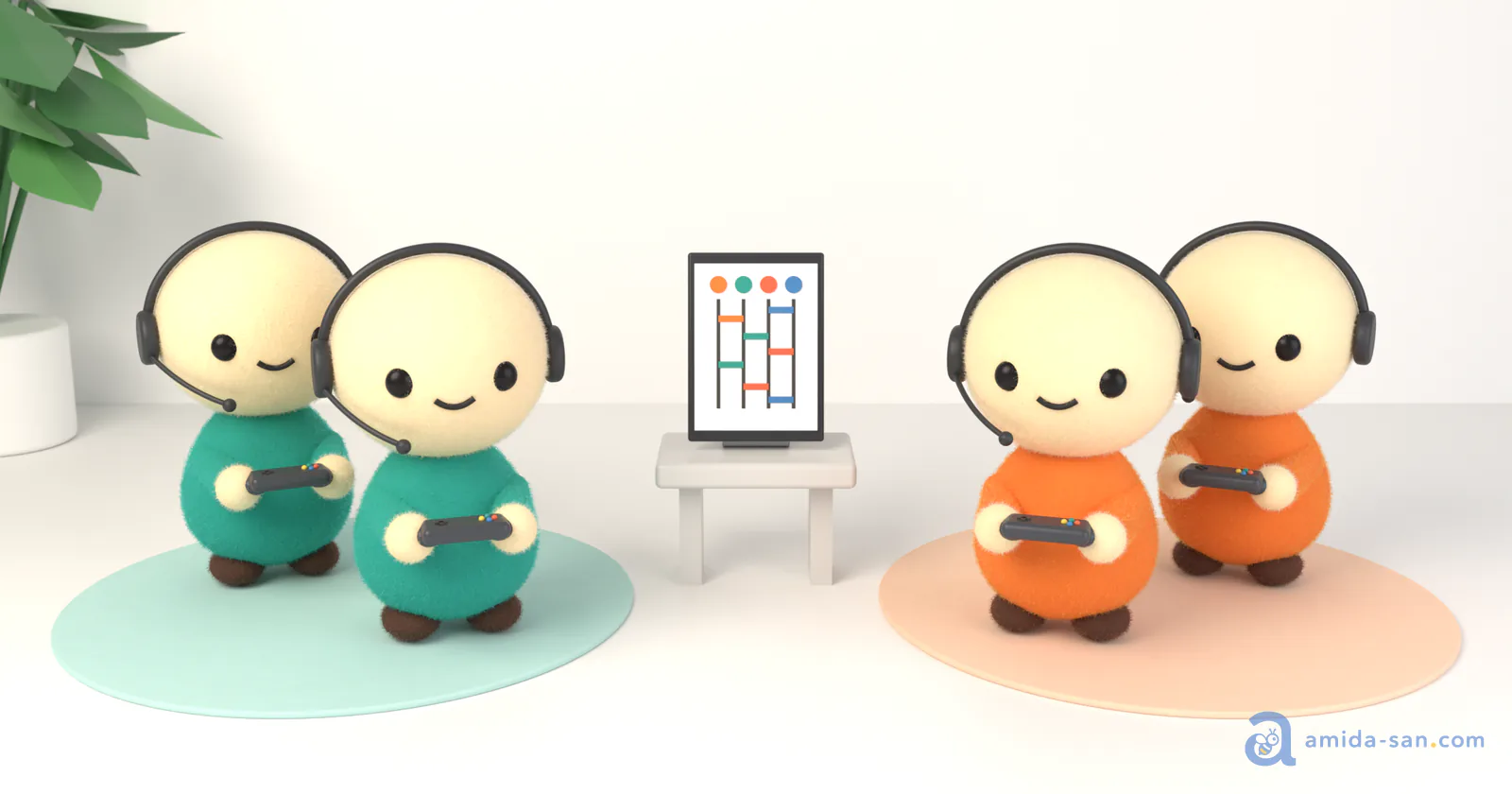
When Discord Communities Need Team Splitting
- Custom matches (5v5 battles, community scrims, etc.)
- Brackets and groups for community tournaments and events
- Study groups and co-working call breakouts
- Assigning members to project teams
Discord's standard features include no mechanism for randomly splitting members into teams. The usual approach is preparing multiple voice channels and having people move manually -- which means deciding who goes to which team requires a separate method.
Four Methods for Splitting Teams in Discord
Method 1: Team-Splitting Bots
Add a bot that randomly assigns the members in a voice channel (VC) to teams. Some bots also announce the assignments or move members to team VCs automatically.
Pros
- One command gives you the result
- Smooth integration with VCs
- Efficient for servers running custom matches frequently
Cons
- Adding a bot requires the "Manage Server" permission
- The assignment process is invisible, so lopsided results breed complaints
- Can't verify whether it was really random
Best for speed-first servers that run custom matches almost daily.
Method 2: Manual Assignment by the Host
The host builds the teams, taking skill and experience into account.
Pros
- Skill balance can be tuned
- Beginners can be paired with veterans
Cons
- Easily seen as biased
- Heavy burden on the host
- Lineups tend to repeat
Best for tournaments with wide skill gaps where balance is the top priority. To keep everyone on board, though, the balancing criteria need to be published in advance.
Method 3: External Team Generator Sites and Roulettes
Enter member names into an external randomizer site and paste a screenshot of the result into Discord.
Pros
- Many easy, free sites available
- No bot-adding permission needed
Cons
- Everything happens on the host's screen, so participants never see the process
- Can't answer the suspicion "Did they re-roll until they got a result they liked?"
- The result only survives as an image
Best for casual matches among close friends.
Method 4: Split Teams with Amidakuji (Amida-san)
Create an Amidakuji on Amida-san and set the outcome slots to team names. Every participant adds their own horizontal bars, so everyone is involved in how the teams get decided.
Steps
- Create an event on Amida-san and set the outcome slots to "Team A" and "Team B", one per player
- Post the URL in a Discord channel
- Participants access it, pick their name, and add horizontal bars
- Once everyone is in, run the drawing on screen share in VC
- Share the results URL in the channel
Pros
- No bot needed (just paste a URL, so no permissions required either)
- Everyone adds bars, so no one can manipulate the result
- Mathematically guaranteed fairness
- Results stored via URL for 180 days and verifiable afterward
- Completely free, no registration, supports up to 299 people
Cons
- Doesn't stay entirely within Discord (external URL)
- No automatic skill balancing (fully random)
Best for scrims and tournaments where you want to preempt complaints of lopsided or rigged teams.
Comparison Table of All Four Methods
Try Amida-san Free Now
| Method | Transparency | Buy-In | Setup Time | Bot Permission Needed | Skill Balancing |
|---|---|---|---|---|---|
| Team-splitting bot | 2/5 | 3/5 | 5 min | Yes | No |
| Manual assignment | 3/5 | 2/5 | 15 min | No | Yes |
| External site | 2/5 | 2/5 | 3 min | No | No |
| Amida-san | 5/5 | 5/5 | 5 min | No | Partial |
Practical Example: Splitting 10 Players Into 5v5 for a Custom Match
Preparation (5 Minutes)
Create an event on Amida-san and set the outcome slots to five "Team A" slots and five "Team B" slots.
Example Discord Message
Time to split teams for tonight's custom match!

Join with your name via the URL below and add your bars
https://amida-san.com/events/xxxxx

Deadline: 9PM
At 9PM we'll run the drawing on screen share in VC
Running the Drawing (Screen Share in VC)
Once everyone has added their bars, run the Amidakuji while sharing your screen in VC. The whole group watches the lines being traced, so even if the result skews, everyone saw it decided on the spot -- which leaves far less room for complaints.
Sharing the Results
Teams are set!

Team A: Taro / Hanako / Jiro / Shiro / Goro
Team B: Rokuro / Nanami / Hachiro / Kyoko / Juro

Check the results here
https://amida-san.com/events/xxxxx

Team A move to VC1, Team B move to VC2
Once teams are decided, all that's left is preparing two voice channels and having everyone move.
Three Tips for Team Splitting Nobody Argues About
1. Share the Rules in Advance
Declare how the split works before the drawing: "fully random," "we pick two captains first, then draw the rest," and so on. Changing the rules after seeing the result is a guaranteed source of resentment.
2. Keep the Process and the Results
Choose a method where the process is visible, and leave the results in the channel as a URL or message. Being able to verify things later when someone says "that split was off" is what builds trust in the community.
3. Set Redo Conditions Beforehand
Decide the conditions for a redo in advance, such as "one re-draw only if the skill gap is clearly lopsided." Unconditional redos mean re-rolling until someone gets the result they want, which defeats the purpose of drawing at all. See also how to redraw a lottery without losing trust.
Frequently Asked Questions
Q1: What if we have an odd number of players?
Set the outcome slot counts to match, such as five "Team A" slots and four "Team B" slots, and run the drawing as is.
Q2: What if we want to account for skill differences?
A "partly fixed, partly random" approach works well: manually place the top players onto each team first, then draw the remaining members with Amidakuji. As long as the fixed portion's rules are shared in advance, buy-in stays intact.
Q3: Can we split into three or more teams?
Yes. Set the outcome slots to as many team names as you need -- "Team A," "Team B," "Team C" -- and the same steps work for three or more teams.
Q4: Which is better, a team-splitting bot or Amidakuji?
If speed matters and you split often, use a bot. If buy-in matters -- tournaments and scrims -- Amidakuji is the better fit. A bot is one command and instant, but the invisible process means lopsided results tend to leave complaints behind.
Visible Process Changes Everything About Discord Team Splitting
Most team-splitting complaints come not from the result itself, but from not knowing how it was decided.
Key Considerations When Choosing a Discord Team-Splitting Method
- Buy-in: Can everyone watch the process?
- Permissions: Is bot-adding permission required?
- Flexibility: Can it handle changes in player or team counts?
- Records: Can results be verified later?
In particular, Amida-san offers:
- No bot needed (just paste a URL)
- All participants involved in how the teams are decided
- Mathematically guaranteed fairness
- Completely free with support for up to 299 people
- Results stored and verifiable via URL for 180 days
Give it a try at your next custom match or community tournament.
Related articles:
Try Amida-san Now!
Experience fair and transparent drawing with our simple and easy-to-use online ladder lottery tool.
Try it Now