
Amidakuji Animation: Show the Path to Build Excitement
The fun of an amidakuji, also called a ghost leg lottery, is watching the path get closer to the result. Showing an animation that traces each line gets the room more excited than showing a list of results, and people accept the result more easily. This article compares ways to show an amidakuji as an animation and explains how to present it at events.
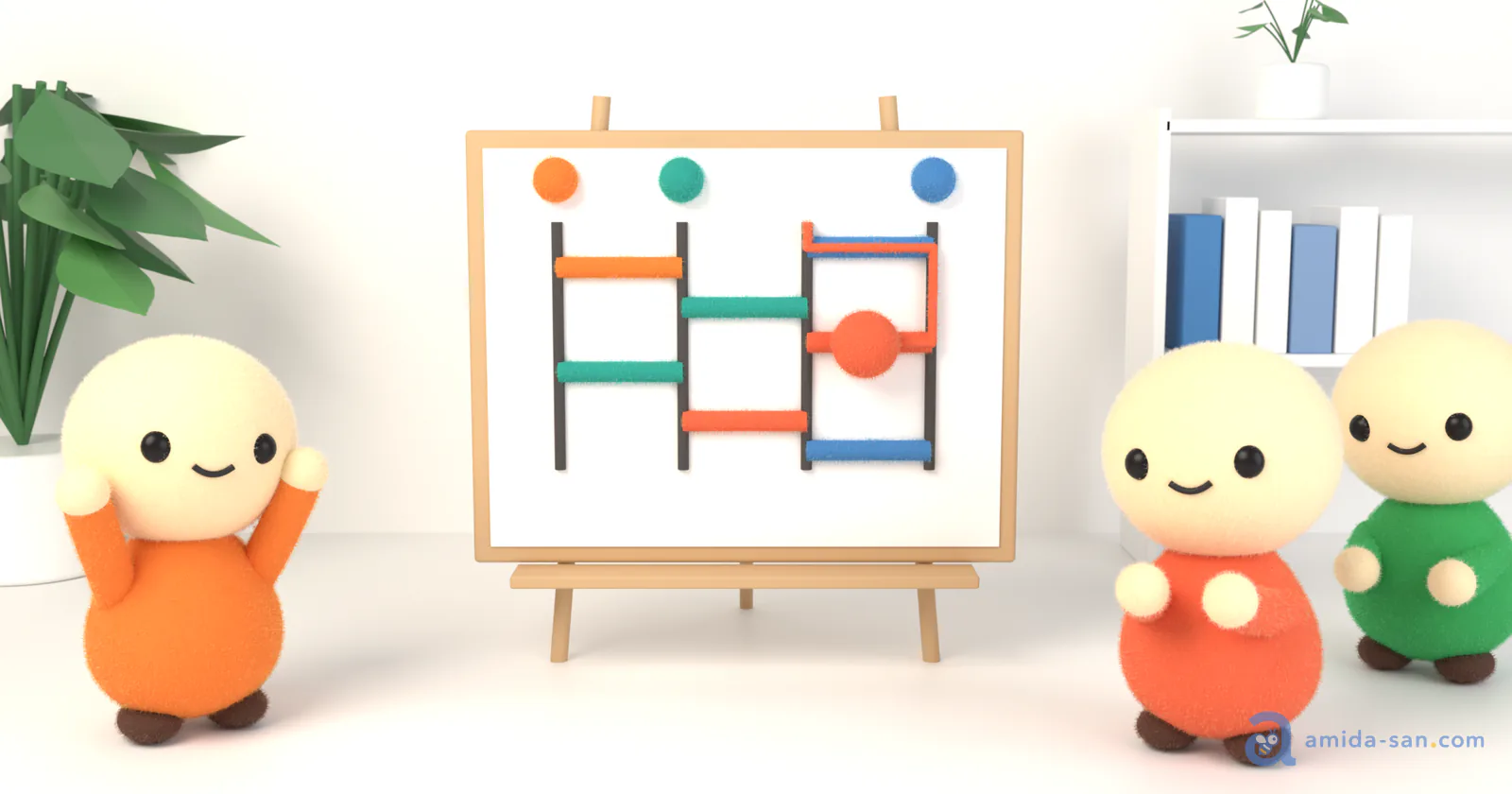
Ways to Show It as an Animation
| Method | Effort | Who knows the result in advance | Best for |
|---|---|---|---|
| Trace paper or a whiteboard by hand | Low | Nobody | Small groups in one room |
| Make it in PowerPoint or video | High | The person who made it | Announcing a result already decided |
| Use an amidakuji tool | Low | Nobody (depends on the tool) | Showing the draw itself |
Making It in PowerPoint or Video
PowerPoint motion path animations or video editing software let you create any tracing motion you like. However, you have to decide the result before you can animate it. Since the creator knows the result, this cannot be used as a draw. It works for presenting a result that has already been decided.
Using an Amidakuji Tool
Most online amidakuji tools automatically animate the path when showing the result. The draw and the animation happen at once, so there is nothing to make.
When choosing a tool, check who draws the horizontal lines. If the organizer builds it alone on one device and shares the screen, participants cannot tell if the organizer redid it until they got a result they liked. With a tool where each participant draws lines from their own device, nobody can decide the result in advance (Ghost Leg vs Random Number Generator).
Amida-san's Animation
Amida-san is an online amidakuji where participants build the lottery by drawing their own lines from their phones. The result animation is free.
- Start by long-pressing the play button. A gauge fills while you press, so you can count down together
- The lines everyone drew come together to form the amidakuji
- Everyone's ball follows the lines at the same time and lands on an allocation
- Select one person to replay only their ball. Useful for showing a winner's path again
Participants can also play the result on their own phones. Anyone can replay it later at the URL, so people who were not there can see how it was decided.
How to Present It at Events
- At a venue, connect the organizer's computer to a projector or large screen so everyone watches the same screen
- In online meetings, share the organizer's screen in Zoom or Teams. Participants can also play it on their phones at the same time
- Before the long press, check that everyone has joined and drawn their lines
- For a prize draw, show everyone's result first, then select the winner and replay their path
For running a draw at a venue, see Company Party Prize Drawing. For online meetings, see Free Random Draw Tools for Zoom Meetings.
For a Bigger Show: Amida3D
For parties, weddings, and other events shown on a big screen, you can also use Amida3D, a 3D presentation. Each participant's ball rolls down a 3D course, so nobody knows where it will land until the end. It costs $3.99 per event and is unlimited on the Pro plan. Only the presentation changes; the draw works the same as the regular animation. See Amida3D: How to Use It and Pricing for details.
FAQ
Can I watch the animation on my phone?
Yes, in your phone's browser. No app install is needed.
Can I save the animation as a video?
There is no video export. To save it, use your phone's or computer's screen recording.
Does it work with many participants?
Up to 299 people can join one event, and you can watch everyone's ball follow the lines.
Summary
Showing an amidakuji as an animation lets everyone enjoy the time before the result and makes the result easier to accept. Use PowerPoint or video animations to present a result that is already decided. To show the draw itself, use a tool where participants draw their own lines. With Amida-san, the animation is free.
Related Articles
Try Amida-san Now!
Experience fair and transparent drawing with our simple and easy-to-use online ladder lottery tool.
 Try it Now